Closing the books. For some accountants, it’s a satisfying ritual of organization and finality. For others, it’s a chaotic scramble to reconcile numbers before a looming deadline.
Regardless of how you feel about it, the month-end close is a critical pillar of financial health. It ensures your financial statements are accurate, helps you catch errors early, and provides management with the reliable data they need to make strategic decisions.
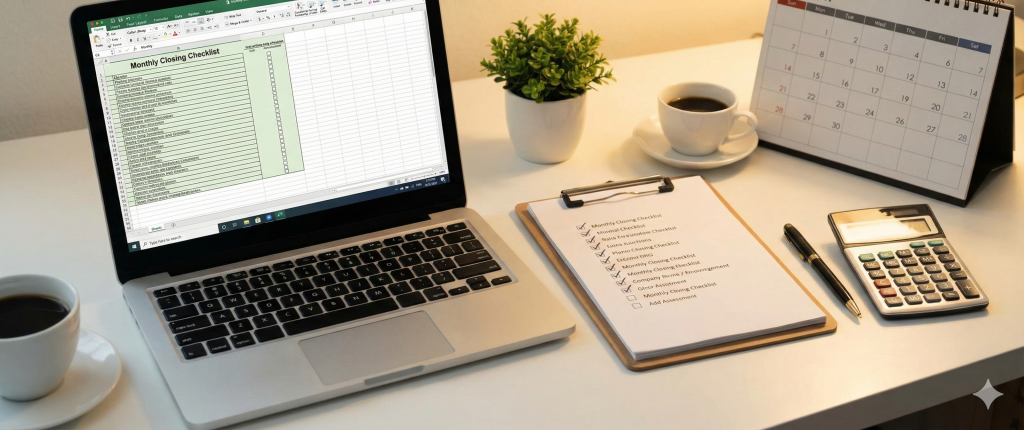
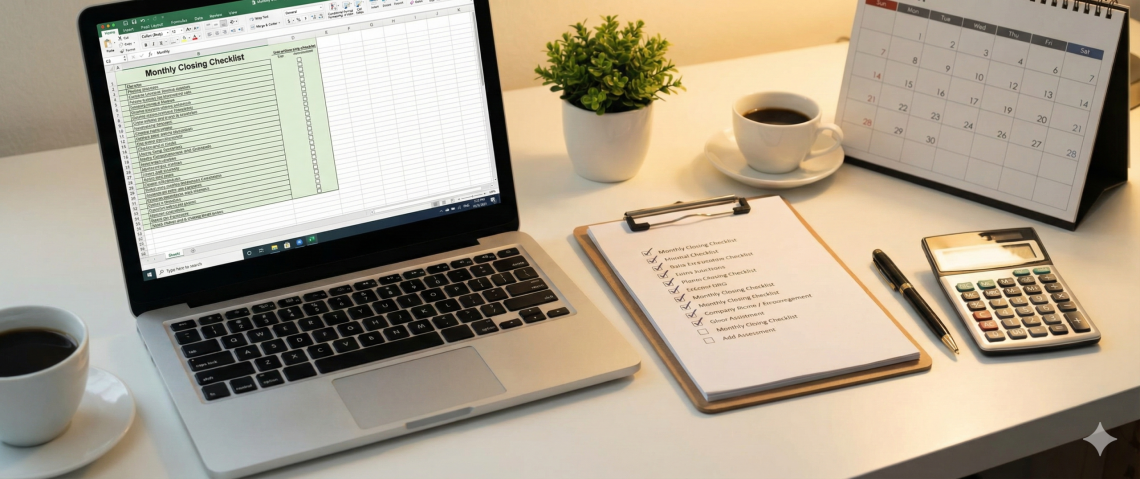
If you want to move from “chaotic scramble” to “satisfying ritual,” you need a standardized process. This guide provides a comprehensive Accounting Monthly Closing Checklist to help you streamline your workflow and close with confidence.
Phase 1: Preparation & Pre-Close
Ideally, this starts a few days before the month actually ends.
The goal here is to clear the decks so you aren’t chasing down invoices on the last day of the month.
- Review Outstanding Invoices: Check for any sales invoices that haven’t been sent and vendor bills that haven’t been entered.
- Inventory Count: If you manage physical inventory, schedule your count. If you use a perpetual system, ensure all adjustments are entered.
- Chase Expense Reports: Remind employees to submit their travel and expense reports. This is often a major bottleneck, so send reminders early.
- Update Recurring Journals: Set up or review your automated recurring entries (rent, insurance amortization, software subscriptions) to ensure the amounts haven’t changed.
Phase 2: Cash & Banking
The foundation of the close. If cash is wrong, everything is wrong.
- Record All Cash Transactions: Ensure every payment and receipt from the bank feed is recorded in the general ledger.
- Reconcile Bank Accounts: Match your book balance to the bank statement balance. Investigate any un-cleared checks or deposits that are older than expected.
- Reconcile Credit Cards: Just like bank accounts, every corporate credit card statement must be reconciled to the penny.
- Petty Cash: Count the physical cash and ensure receipts are recorded for all money spent. Replenish the fund if necessary.
Phase 3: Accounts Receivable & Payable
Verifying what you are owed and what you owe.
- Reconcile Accounts Receivable (AR): Run an “Aged Receivables” report. Does the total match your Balance Sheet? Investigate any negative balances or invoices that look unusually old.
- Review Bad Debt: Assess if any overdue invoices need to be written off or if an allowance for doubtful accounts needs adjustment.
- Reconcile Accounts Payable (AP): Run an “Aged Payables” report. Verify that it matches the Balance Sheet. Check for duplicate bills or unapplied vendor credits.
Phase 4: Fixed Assets & Inventory
Handling the long-term and physical assets.
- Record Depreciation and Amortization: Post the monthly depreciation expense for fixed assets (computers, machinery, furniture) and amortization for intangible assets.
- Capitalize New Assets: Did the company buy any new equipment this month? Ensure it is recorded as an asset, not an expense (if it meets your capitalization threshold).
- Reconcile Inventory: Compare your physical count (or perpetual inventory report) to the General Ledger. Post adjustments for shrinkage, damage, or obsolescence.
Phase 5: Payroll & Prepaids
The accrual accounting heavy lifters.
- Post Payroll Journal Entries: Ensure gross wages, employer taxes, and benefits are correctly split and recorded.
- Accrue Unpaid Wages: If the month ends in the middle of a pay period, you must accrue the wages earned by employees but not yet paid.
- Amortize Prepaid Expenses: Move the monthly portion of prepaid items (like annual insurance premiums or rent) from the Asset sheet to the Expense sheet.
- Accrue Uninvoiced Expenses: Did you receive a service (like legal advice or utilities) but haven’t received the bill yet? Estimate and accrue the expense.
Phase 6: Financial Statement Review
- The “Sanity Check.”*
- Review the P&L (Income Statement):
- Compare this month’s actuals to the budget.
- Compare this month to the same month last year.
- Tip: Look for “variance.” If Office Supplies are usually $500 but are $5,000 this month, you probably have a misclassification error.
- Review the Balance Sheet:
- Do the balances make sense? (e.g., Cash shouldn’t be negative).
- Review “Suspense” or “Ask My Accountant” accounts and clear them out to zero.
- Reconcile Intercompany Accounts: If you have multiple entities, ensure the “Due To” and “Due From” accounts match perfectly.
Phase 7: The Final Lock
Securing the data.
- Distribute Reports: Send the financial package to the management team, stakeholders, or owners.
- Back Up Data: Even cloud systems need a backup strategy. Ensure your data is secure.
- Close the Period: Literally “close the books” in your accounting software (QuickBooks, Xero, NetSuite, etc.) by setting a password or locking the date. This prevents anyone from accidentally changing data in a closed month.
Why You Need a Checklist
Reliance on memory is a recipe for error. A checklist reduces decision fatigue and ensures consistency. Whether you are a solo bookkeeper or a Controller managing a team, a physical (or digital) list ensures that completeness is never sacrificed for speed.
Pro Tip: Don’t just copy a template and leave it. Customize your checklist! Every business is unique. If you don’t have inventory, delete that section. If you have specific loan covenants to calculate, add that in.